
Form Manager Menu
This menu provides access to features and version information.
To display the menu, click on the 'hamburger',  , in the top left-hand corner of the Form Manager window:
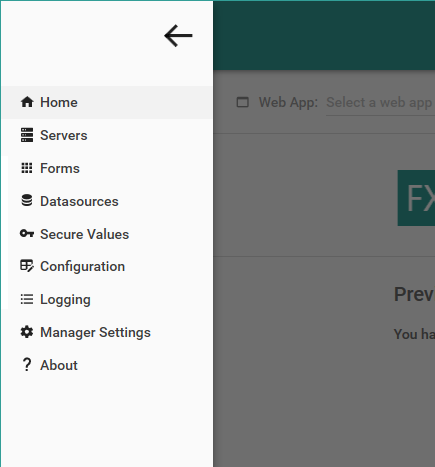
Options on this menu allow you to specify connection details for your Digitise Forms Configuration Database(s), view the published forms within your web apps and their corresponding folders for storing PDF copies of completed forms, change the connection strings for Datasources used by your forms, store sensitive settings for use with Capita Pay360 payment Elements, edit the security settings, change the connection string for the Digitise Forms Configuration Database and configure audit and diagnostic logging. The About option provides version, licensing and copyright information for Form Manager.